
0. Physical Installation
Installing the CM4 board to the carrier is pretty easy. The two high density pin connectors on the back of the CM4 are offset from the center, so it will only fit on correctly one way. It takes a little more force than you will likely feel instinctually comfortable with to get it in there, and you should hear it click into place pretty well.
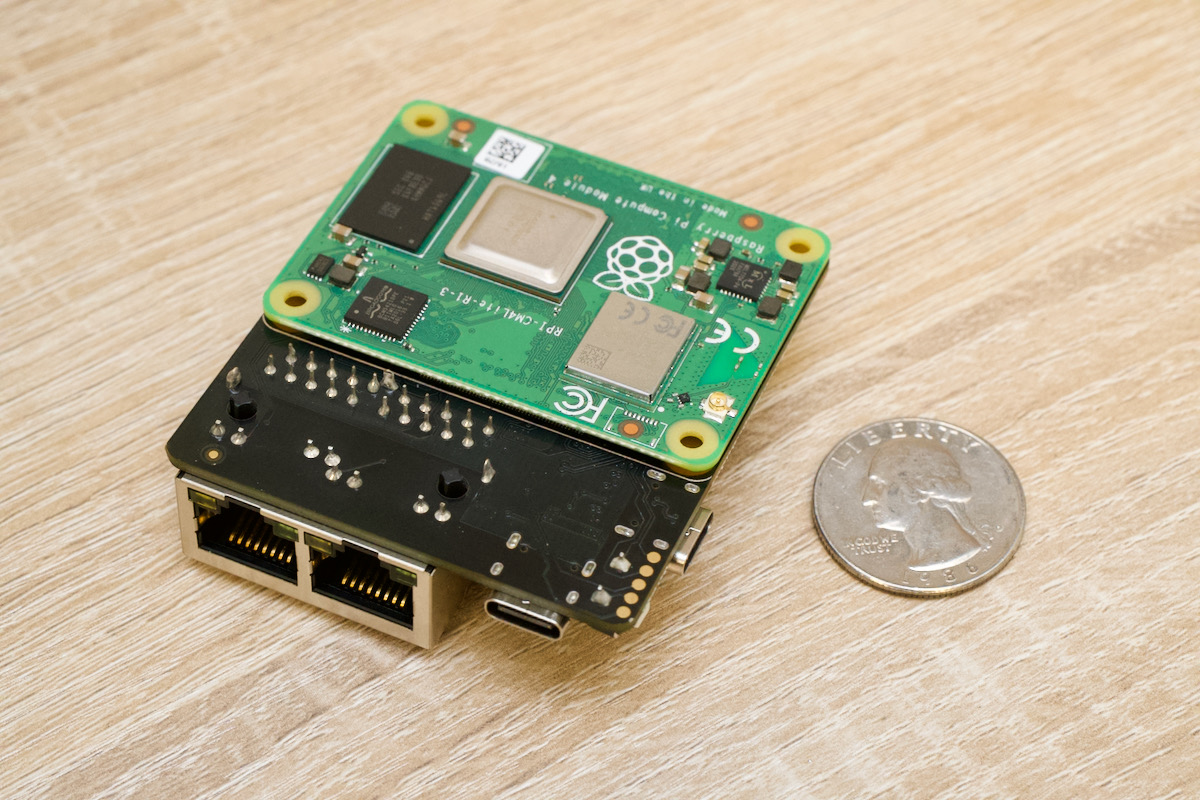
The compute module should not overhang the carrier board if you have it in the correct orientation. It’ll look like this:
After that, turn your attention to the top of the router board. There’ll be two DIP switches, one of which is labelled rpiboot. Flip that to the on position, and then proceed to firmware installation.